


Description
Download ZPN Connect – free VPN, secure internet, bypass restrictions, online privacy, public Wi-Fi protection, ZPN Connect
Overview
ZPN Connect is a desktop application designed to enhance online privacy and security, particularly when using unsecured networks such as public Wi-Fi hotspots. As a client for ZPN’s broader VPN service, it enables users to establish encrypted connections to the internet, helping protect sensitive data from potential eavesdropping. The software is intended for individuals seeking to bypass geographical or organizational restrictions placed on websites and online services—commonly encountered in schools, workplaces, or regions with strict internet regulations. It is especially suited for users who prioritize straightforward functionality over extensive customization. While the developer, ZPN, is noted in the metadata, additional background information about the company or its broader service offerings was not provided. The application operates as a client tool, meaning it requires an active subscription or access to ZPN’s network infrastructure to function. Real-world usage scenarios include remote workers securing data on public networks, travelers accessing region-locked content, and individuals seeking privacy in high-risk digital environments. The software is free to use, though its full capabilities may be limited compared to paid tiers of the underlying service.
Key Features & Capabilities
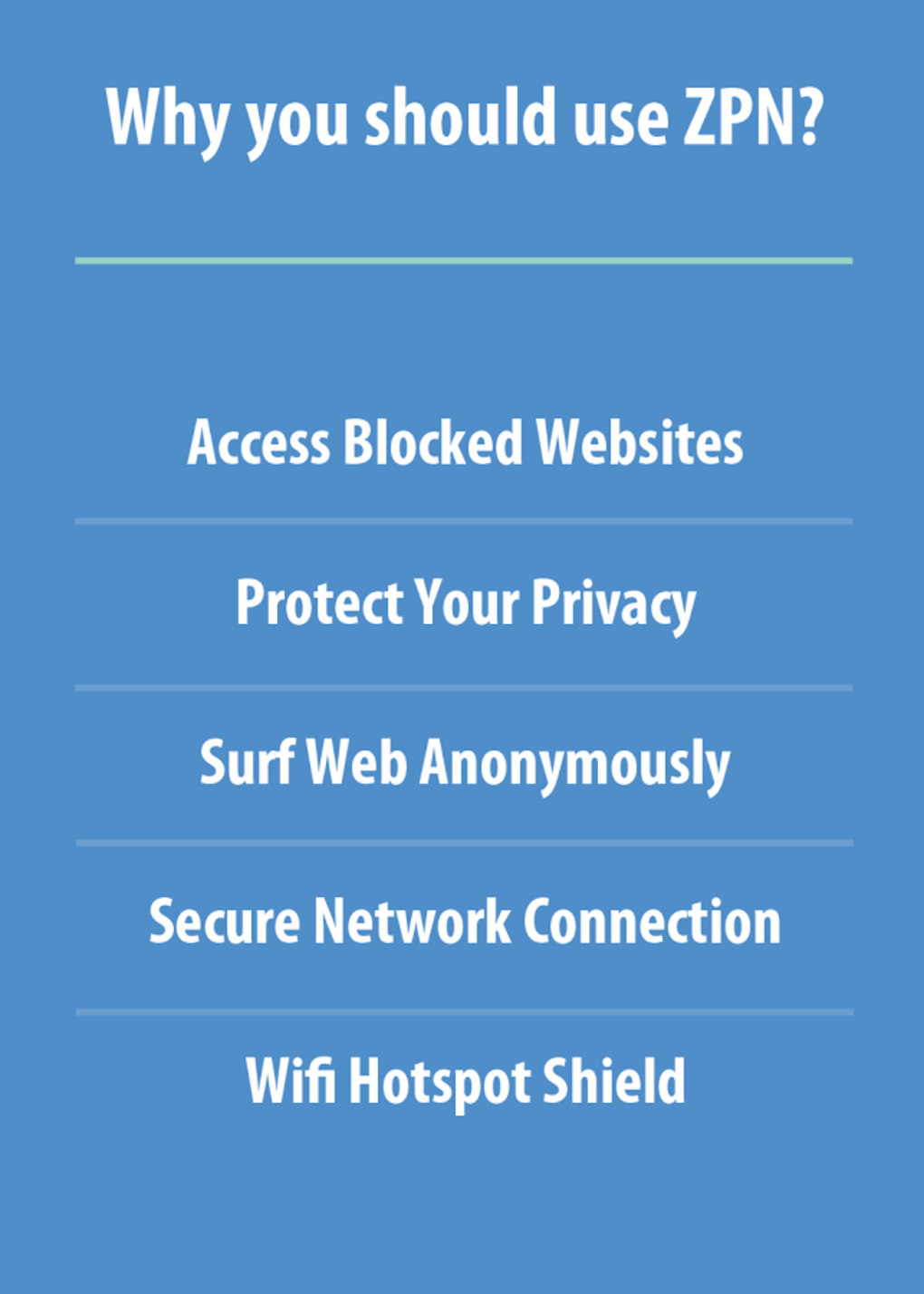
- Secure Internet Connection – Encrypts data traffic between the user’s device and the internet, reducing the risk of interception on untrusted networks.
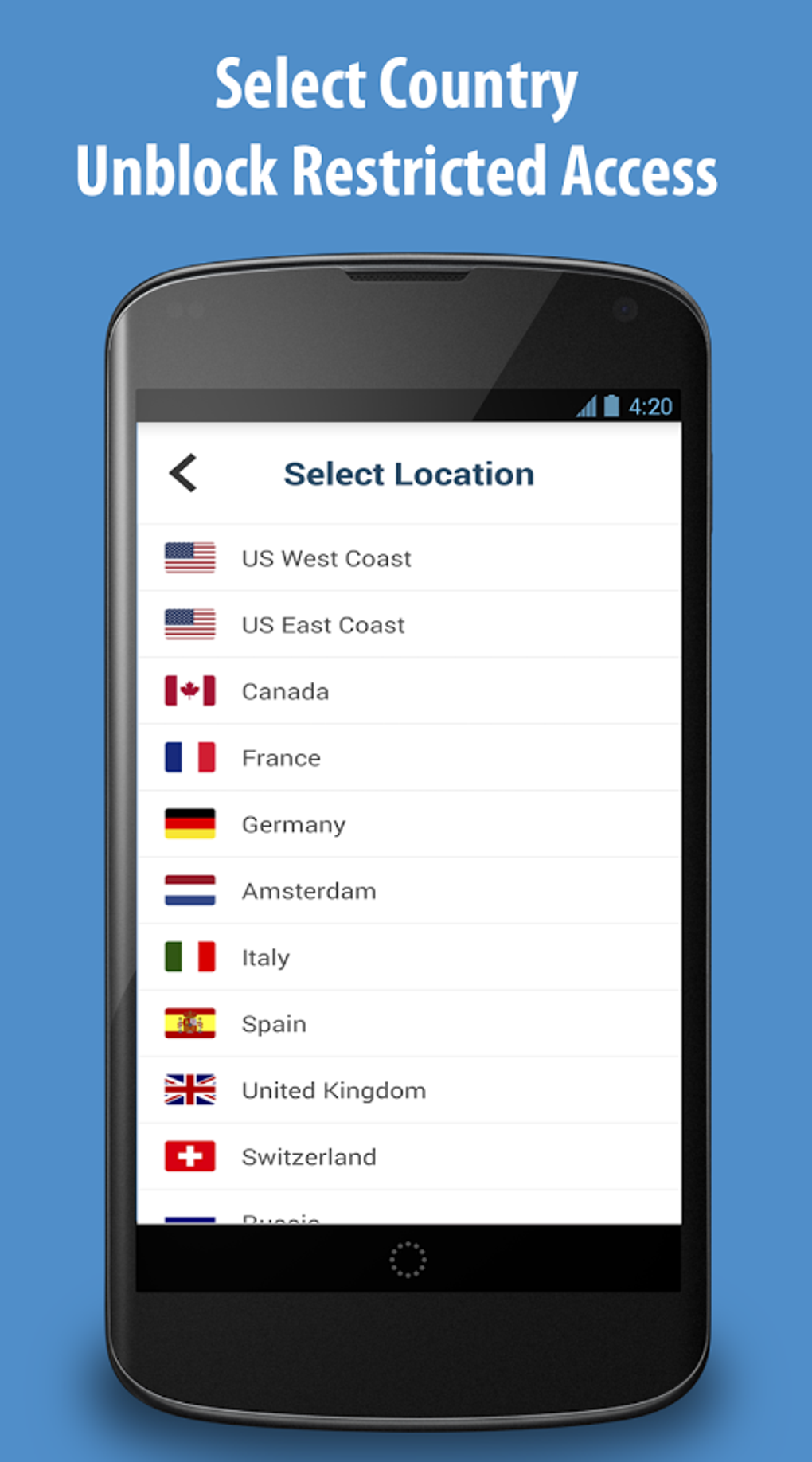
- Bypass Restrictions – Allows access to websites or services blocked by institutions or governments, though effectiveness depends on the blocking mechanism and network policies.
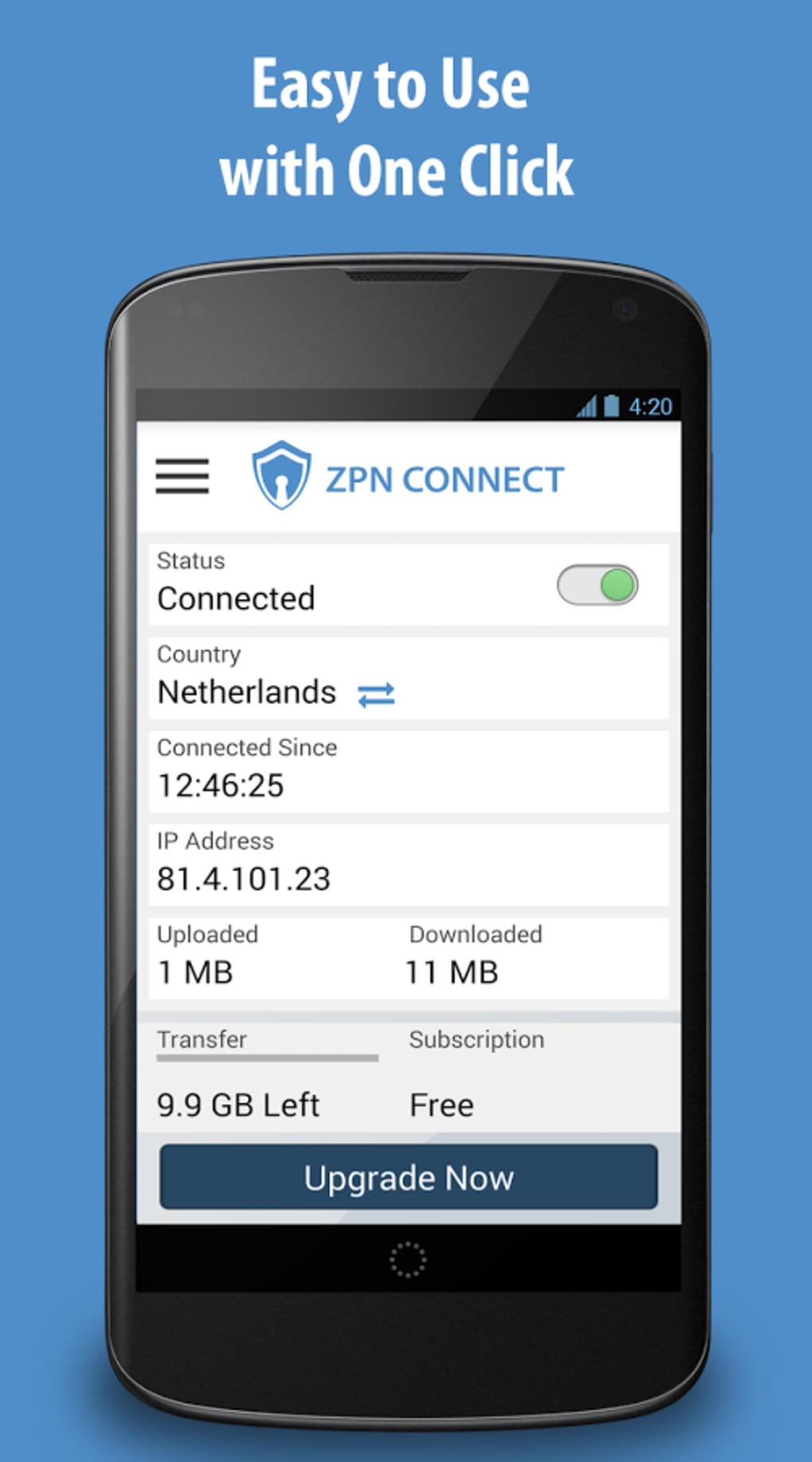
- Connection Status Display – Provides real-time visibility into active connection metrics, including speed, location, and encryption status.
- Simple Configuration Interface – Offers menu-based settings for adjusting connection preferences, though changes require a restart to take effect.
- Cross-Platform Availability – Supports both Windows and Mac operating systems, enabling consistent use across different desktop environments.
These features are particularly useful for users who need reliable access to unrestricted internet services while maintaining a baseline level of privacy. For example, a student might use ZPN Connect to access academic resources blocked by school filters, while a remote employee could protect login credentials when connecting from a café. The lack of advanced customization options means the software is best suited for users with intermediate knowledge of VPNs, rather than beginners. The client’s minimal design reflects a focus on core functionality, avoiding distractions while maintaining essential controls.
User Interface, Workflow & Performance
The user interface of ZPN Connect is minimalistic and straightforward, with a clean layout centered around a main display panel that shows connection status and performance metrics. Navigation is achieved through a series of menus, which organize settings and connection options. The overall workflow is simple: launch the application, select a server location, and initiate the connection. However, users must be aware that configuration changes are not applied immediately—modifications require closing and restarting the application. This behavior may be confusing for users unfamiliar with such workflows. The application runs in the background once connected, with no visible interface elements during active sessions, which helps maintain system focus. Performance observations are based on general software behavior patterns; users may experience reduced internet speeds due to encryption overhead, a common trade-off with VPN services. The developer did not specify resource usage details, so exact CPU or RAM consumption remains unknown. Stability appears consistent during active use, though no long-term testing data was provided. Overall, the workflow is efficient for experienced users, but the lack of real-time feedback on settings changes could hinder usability for less technical audiences.
Compatibility & System Requirements
ZPN Connect is compatible with both Windows and Mac operating systems, as stated in the metadata. The software version is 1.2.3, with a file size of 12.5 MB, indicating a lightweight installation. Exact system requirements were not listed, so users should ensure their devices meet the minimum standards for running modern desktop applications. The developer did not provide additional information about hardware compatibility, such as processor type, RAM, or disk space needs. Installation is straightforward, though no detailed setup guide or troubleshooting documentation was included in the provided data. Platform compatibility information is limited to the operating systems mentioned, with no indication of support for Linux or other environments. Users should verify that their system meets general requirements for running desktop software, particularly when connecting to encrypted network services. The lightweight size suggests low disk footprint, which benefits users with limited storage capacity.
Pros and Cons
Pros
- Free to use with no cost for basic functionality
- Lightweight installation at 12.5 MB
- Simple, no-frills interface focused on core features
- Supports both Windows and Mac platforms
- Provides secure connections on public Wi-Fi networks
Cons
- Configuration changes require a restart to apply
- No detailed user documentation or support materials provided
- Minimal visual feedback during connection setup
- Performance details such as CPU or RAM usage were not specified
- Limited for users unfamiliar with VPN concepts
FAQ Section
Is ZPN Connect safe to use?
The software functions as a client for ZPN’s VPN service and encrypts internet traffic, which contributes to online privacy. However, no independent security audits or third-party verification were provided in the input.
Can I use ZPN Connect offline?
ZPN Connect requires an active internet connection to establish a tunnel to ZPN’s servers. It cannot function without a working network connection.
Does ZPN Connect support automatic updates?
Information about update mechanisms was not included. Users should check the official source for the latest version.
Is ZPN Connect available for Linux?
Based on the provided details, ZPN Connect is only confirmed for Windows and Mac. No support for Linux was mentioned.
What license type does ZPN Connect use?
ZPN Connect is distributed as free software. The input specifies a free price point, but no license terms (e.g., open source, proprietary) were provided.
Final Thoughts + CTA
ZPN Connect delivers a focused, lightweight solution for users seeking secure internet access and the ability to bypass content restrictions. Its minimal interface and straightforward functionality make it ideal for individuals already familiar with VPN technology who value simplicity and efficiency. While the lack of detailed documentation and the need to restart after configuration changes may pose challenges for beginners, experienced users will appreciate its reliability and low resource footprint. The software’s free status enhances its accessibility, though advanced features may be reserved for paid tiers of the underlying service. For those prioritizing online privacy on public networks or needing to access blocked content, ZPN Connect offers a practical desktop tool. If you’re looking for a no-nonsense, secure internet client with cross-platform support, this software is a solid choice. Download ZPN Connect now.
Guides & Tutorials for ZPN VPN Connect
How to install ZPN VPN Connect
- Click the Preview / Download button above.
- Once redirected, accept the terms and click Install.
- Wait for the ZPN VPN Connect download to finish on your device.
How to use ZPN VPN Connect
This software is primarily used for its core features described above. Open the app after installation to explore its capabilities.
User Reviews for ZPN VPN Connect 0
No reviews found





